
Xender
Tools
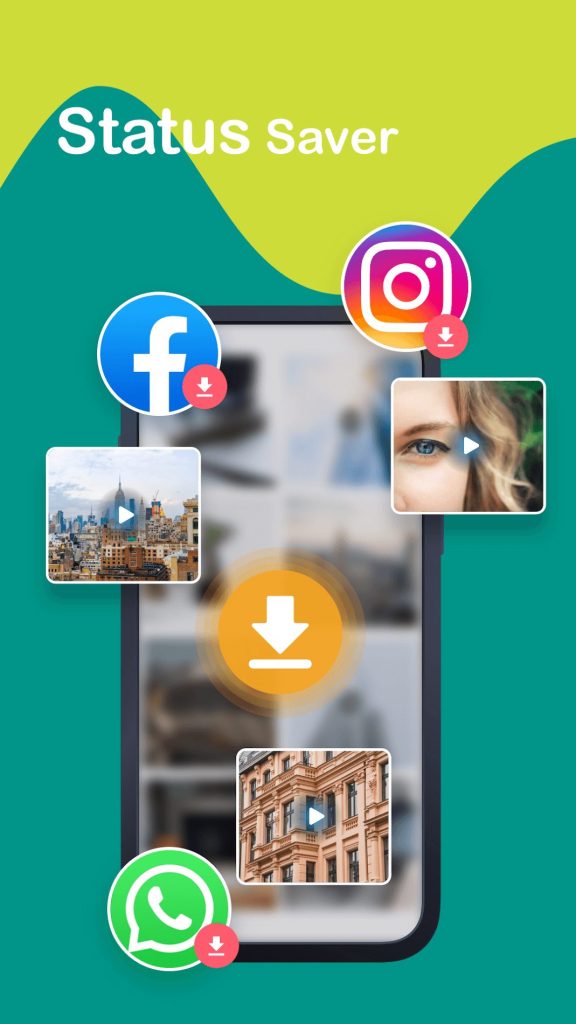
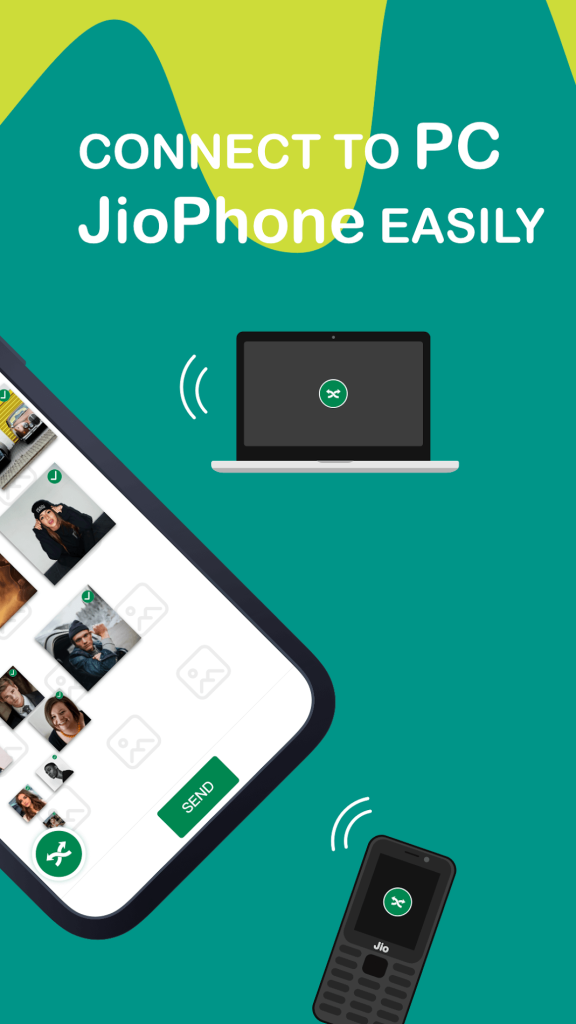
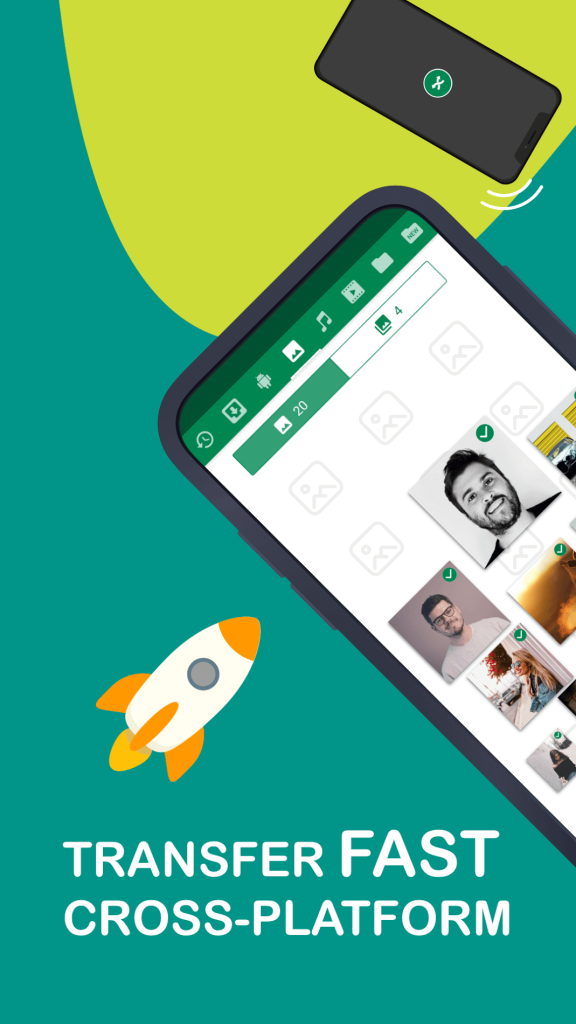

Xender is a popular Android utility that lets you move photos, videos, apps, and other files between devices without using mobile data or a computer. The app works over Wi‑Fi Direct, creating a direct connection that can reach speeds far higher than Bluetooth.
This page provides the latest Xender 19.0.0.prime APK, a quick‑look info table, compatibility details, step‑by‑step installation instructions, and practical tips for troubleshooting and safety.
Quick Information
| App/Game Name | Xender |
| Latest Version | 19.0.0.prime |
| Developer | Not listed |
| Category | Apps / Tools |
| App Size | 30.23 MB |
| Package Name | cn.xender |
| Last Updated | 1 October 2026 |
What Is Xender?
Xender is a file‑sharing tool designed for Android users who need a quick, cable‑free way to move data. Its core features include:
- Cross‑platform transfers (Android ↔ Android, Android ↔ iOS, Android ↔ PC).
- High‑speed Wi‑Fi Direct transmission, typically up to 200 MB/s.
- Support for all common file types: photos, videos, documents, apps, and more.
- No need for an internet connection or mobile data.
The app is free to download and does not require a user account, though some optional ads may appear. It is best suited for users who frequently share large media files or backup apps without a computer.
Compatibility
| Android Version | ✓ Verified — Varies with device |
| Architecture (ARM64 / 32-bit) | Not Verified |
| Internet Connection | ✓ Verified — May be required for ads, updates, or login |
| Storage Needed | Not Verified |
| OBB/Data Files | Not Verified |
| Root Required | Not Verified |
How to Install
- Enable Unknown sources in Settings > Security (or allow the file manager to install unknown apps).
- Download the Xender 19.0.0.prime APK file from this page.
- Open the downloaded file to start the installer.
- Tap Install and wait for the process to finish.
- Once installed, launch Xender and follow the on‑screen prompts to grant necessary permissions (Location, Storage, etc.).
Troubleshooting
- App not installed – Ensure you have allowed installations from unknown sources and that the APK file is fully downloaded.
- Crashes on startup – Clear the app cache (Settings > Apps > Xender > Storage > Clear cache) and restart the device.
- File transfer fails – Both devices must be on the same Wi‑Fi network or have Wi‑Fi Direct enabled. Disable battery‑saving modes that may block background activity.
- Permissions denied – Xender needs Location access to discover nearby devices and Storage access to read/write files. Grant these in the app’s permission screen.
Safety & Security
Because this is the official Xender APK (not a modified build), it contains the original code released by the developer. Nevertheless, always download APKs from trusted sources and verify the package name cn.xender after installation.
Review the permissions the app requests; Xender needs access to storage and location to function, which is normal for file‑sharing tools. Avoid entering personal credentials or banking information within the app.
How Xender Compares
| Feature | Xender | SHAREit | Google Files |
|---|---|---|---|
| Price / Free model | Free with ads | Free with ads | Free, no ads |
| Platform availability | Android, iOS, Windows, macOS | Android, iOS, Windows, macOS | Android only |
| Standout feature | Fast Wi‑Fi Direct transfers up to 200 MB/s | Integrated media player and file manager | Built‑in file organization and offline backup |
| Best for | High‑speed cross‑platform file sharing | All‑in‑one media and file hub | Simple local file management on Android |
Alternatives
- SHAREit – Offers similar cross‑platform transfer speeds with added media playback features.
- Google Files – Focuses on local file organization and offline backup, without the need for a separate transfer app.
- Send Anywhere – Uses a six‑digit key for secure transfers and works without a direct Wi‑Fi connection.
- Zapya – Provides fast transfers and a built‑in social platform for sharing content.
Final Verdict
Xender remains one of the most reliable choices for quick, cable‑free file transfers on Android. It delivers high speeds, broad device compatibility, and a straightforward interface. Users should verify the APK’s authenticity, grant only necessary permissions, and keep the app updated to avoid potential security issues. If you need a simple, fast way to move large files between phones, tablets, or computers, Xender is a solid pick.
Frequently Asked Questions
Yes, Xender is a legitimate file‑sharing app, but always download the APK from a trusted source and check the package name cn.xender.
No, Xender uses Wi‑Fi Direct or a local Wi‑Fi network, so transfers work without mobile data or internet.
Xender works on Android 5.0 (Lollipop) and newer; check the compatibility table for exact device support.
Yes, Xender supports cross‑platform transfers between Android, iOS, Windows, and macOS devices.
No, Xender works on standard (non‑rooted) Android devices.
Installing the new APK will replace the previous version while keeping your settings and transferred files.
Xender does not impose a strict file‑size limit; the practical limit depends on the available storage on both devices.
This usually happens when unknown‑source installation is blocked, the APK is corrupted, or the device lacks sufficient storage.